

Try a screen-down method
At each stop, look at the real room before looking at the reconstruction. Pick one feature to compare, such as how the space was used or how people might have moved through it. Then put the device down and look again. Otherwise, a view designed to explain the setting can become a distraction from the object of the visit.
Our handpicked tours for this trip
Independent picks, curated by us for rating, reviews and what’s included. We source the best price; free cancellation on most.
 Top pick2 hours
Sainte-Chapelle, Conciergerie, Notre Dame Guided Tour
 1 day
 2.5 hours
Notre-Dame Cathedral and Sainte-Chapelle Guided Tour
 1.5 hours
Sainte-Chapelle Small Group Guided Tour
 1 - 1.5 hours
Sainte-Chapelle Guided Tour and Reserved Entry Ticket
Check logistics before promising it
Consult the venue for current availability, language options and what is included with your visit. Do not assume the tablet works in every planned space or that an organized group uses identical arrangements. If a companion cannot use a screen comfortably, ask about the available alternatives and agree on a shared theme to follow. Plan your meeting point outside the device pickup or return area so a stop to handle equipment does not delay the whole group.
What the device actually presents
The museum describes the HistoPad as an interactive tablet with 360-degree reconstructions, including the medieval palace under Philip the Fair and the Revolutionary prison period. It asks you to use markers at points in the visit. The useful thing is not the novelty on its own: it is the opportunity to compare a visible feature with a reconstruction tied to a different time. The interpretation has two distinct settings; using a tablet does not turn them into two physically intact historical rooms.
The ordinary practical page lists tablets as available until 16:15. That is a separate cutoff from last admission to the Conciergerie, so coming before the latest published entry is not enough if you specifically want the HistoPad. The chapel FAQ and Conciergerie practical page give different last-entry references for the building itself; don't use the later of those as your own guarantee. Check the museum's conditions for the date, and ask about current allocation, price or inclusion, language, pickup, return and equipment needs. The short description of the device does not promise that a tablet remains available to every party arriving before the cutoff.
One useful way to look at the medieval material
Stand in a permitted position and notice how the large medieval space is divided by its supports. Look at the size of the room before using the screen. At the interpretation point, match one feature between the reconstruction and the view in front of you: the route through the room, the scale of a bay, or the placement of a boundary. Then put the screen down and see whether the scale feels different.
This comparison is better for a first visit than trying to record every stop. Nearby masonry or an opening may have changed across periods; a reconstruction is a suggested reading based on the material presented, not an untouched scene witnessed from your position. See what evidence the museum gives for the view, and avoid moving into an active walking route to force a perfect alignment between device and building.
A different approach to the Revolutionary prison story
In the Revolutionary part of the visit, the screen can help illustrate uses that the standing room no longer explains clearly. Choose one question: how would a prisoner’s path differ from a palace worker’s, or what might mark the separation between spaces with different purposes? Read the interpretation of prison life and use the visual aid to clarify one contrast. Keep the real history, the present-day exhibition and the digital representation distinct in the discussion.
Families can try the virtual treasure hunt described by the museum if that fits the children’s attention span and device arrangements. Don’t promise that all the time will be devoted to a game. You can split attention: give a younger child a simple architectural detail to find and let an older child decide which interpretation point to explore. If a child is uncomfortable with some of the prison material, focus on the building’s change in use or pick a short pause instead of treating completion of the device route as mandatory.
Choose among tablet, print and a shorter visit
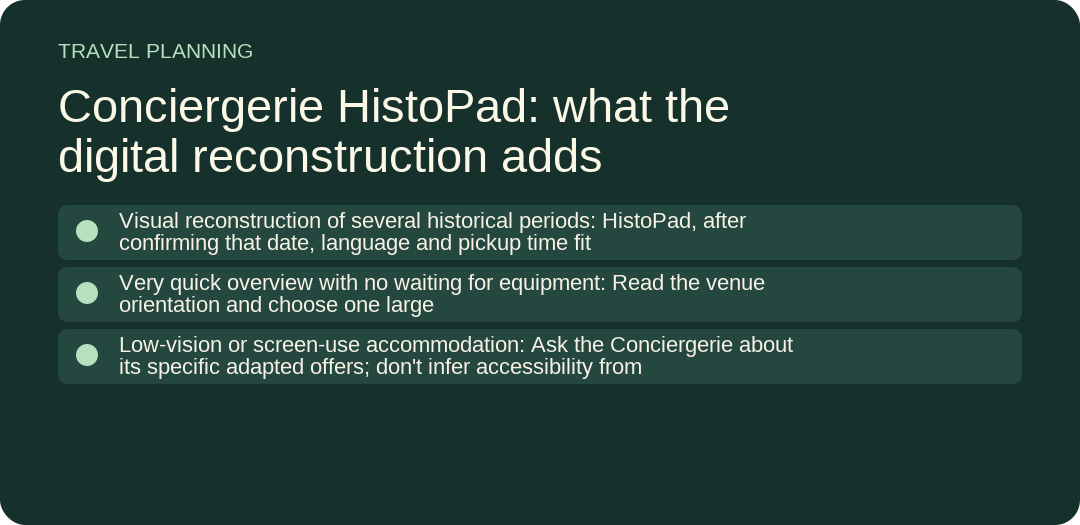
| What your visitor needs | What to consider |
|---|---|
| Visual reconstruction of several historical periods | HistoPad, after confirming that date, language and pickup time fit |
| Very quick overview with no waiting for equipment | Read the venue orientation and choose one large hall and one historical interpretive stop |
| Low-vision or screen-use accommodation | Ask the Conciergerie about its specific adapted offers; don't infer accessibility from device format |
| A visit close to last admission | Budget a standard visit and don't plan around pickup after the published tablet cutoff |
| A group with different paces | Agree on shared subjects and an outside meeting point; check device allocation with the operator |
If you combine this with Sainte-Chapelle, do not mistake the HistoPad for the chapel's on-site audioguide. The pair of monuments presents different subjects and interpretation formats. A combined CMN ticket anchors the chapel time and lets you place the Conciergerie according to the current conditions. If tablet use is part of the reason to visit, put the Conciergerie early enough to collect it without cutting your booked arrival short. If interpretation is optional, a later ordinary visit without a tablet may still fit, as long as you verify actual last access and leave enough time to look.
Don't let the device set the pace for the entire group
Before leaving, check where to return the equipment and whether you need to do so before an onward reservation. Give participants an agreed place to regroup rather than waiting in the pickup area. If a person chooses not to use the screen, find one room everyone can engage with and one feature to compare afterwards. The visit should leave the group with a more intelligible building, not the sense that they missed the monument because they could not use all the equipment.
A good final test is whether you can describe one change you understood better because of the reconstruction. If that is exactly the kind of visit you want, choose a date and hour with equipment and enough margin. If you mainly want to appreciate the large rooms, work through the standing architecture and interpretation independently. Save the booking apart from any plan involving the tablet; one admission does not by itself tell you how that day's equipment is administered.
Plan the rest of your trip
More handpicked experiences nearby. We source the best price.
 Top pick2 - 3 hours
Louvre Museum Tour: Mona Lisa & Iconic Masterpieces
 1.5 - 4 hours
Seine River Bistronomic Dinner Cruise
 5.5 - 9.5 hours
Versailles Palace Guided Tour & Gardens Access
 1 day
Louvre Guided Tour with Reserved Access & Boat Cruise
 1 hour
Seine River Sightseeing Evening Cruise with Champagne
 4 hours
Versailles Guided Tour by Deluxe Minibus
Keep planning
 ConciergerieIs the Conciergerie worth visiting after Sainte-Chapelle?Choose the Conciergerie if its medieval palace and Revolution history add something to your day.
 ConciergerieConciergerie’s Salle des Gens d’Armes: how to look at the medieval hallRead the hall through its span, vaults and changing use before you head to the prison rooms.
 ConciergerieThe Conciergerie as a Revolutionary prison: what to look for beyond Marie AntoinetteFollow prison conditions and judicial history without reducing the visit to one famous name.
 ConciergerieConciergerie with children: balance big rooms and difficult historyChoose a short palace-to-prison story and verify current family activities or interpretation.
